Skip to content
heo

Work / 004Case study · Connected Hardware

Loxada

The setup companion for a secure router. The phone joins the router's own Wi-Fi and the app talks straight to its firmware over a local API — configuring the uplink, claiming the device to its owner, and handing over the keys to the secured network.

Loxada app icon
Device states routed at launch
4
Device states routed at launch
Platforms
Android + iOS
Platforms
Role
Mobile application development
Timeline
November 2025 — January 2026
Surfaces
Mobile app
Stack
FlutterDartMaterial 3REST over local Wi-FiEmbedded firmware API
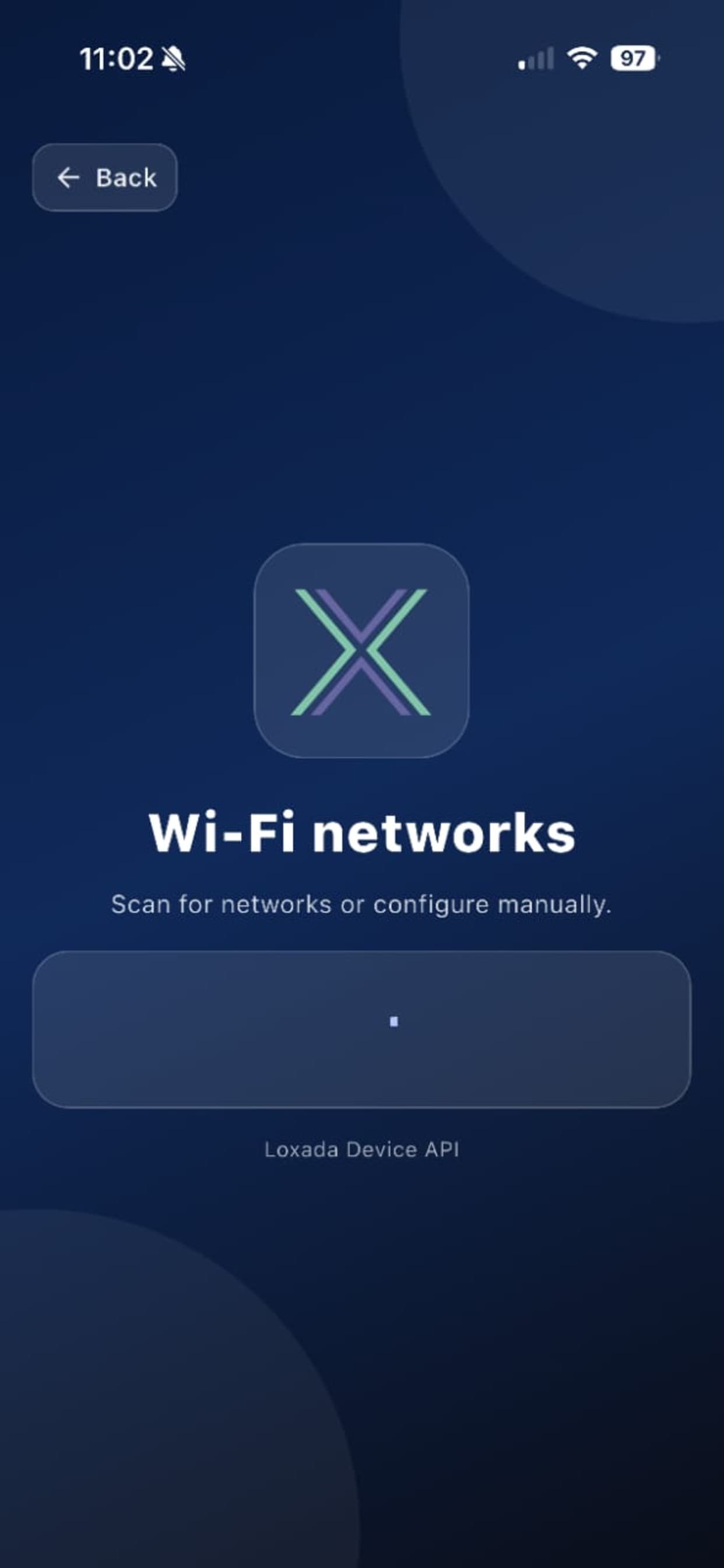
Wi-Fi networks — scan the air or configure manually
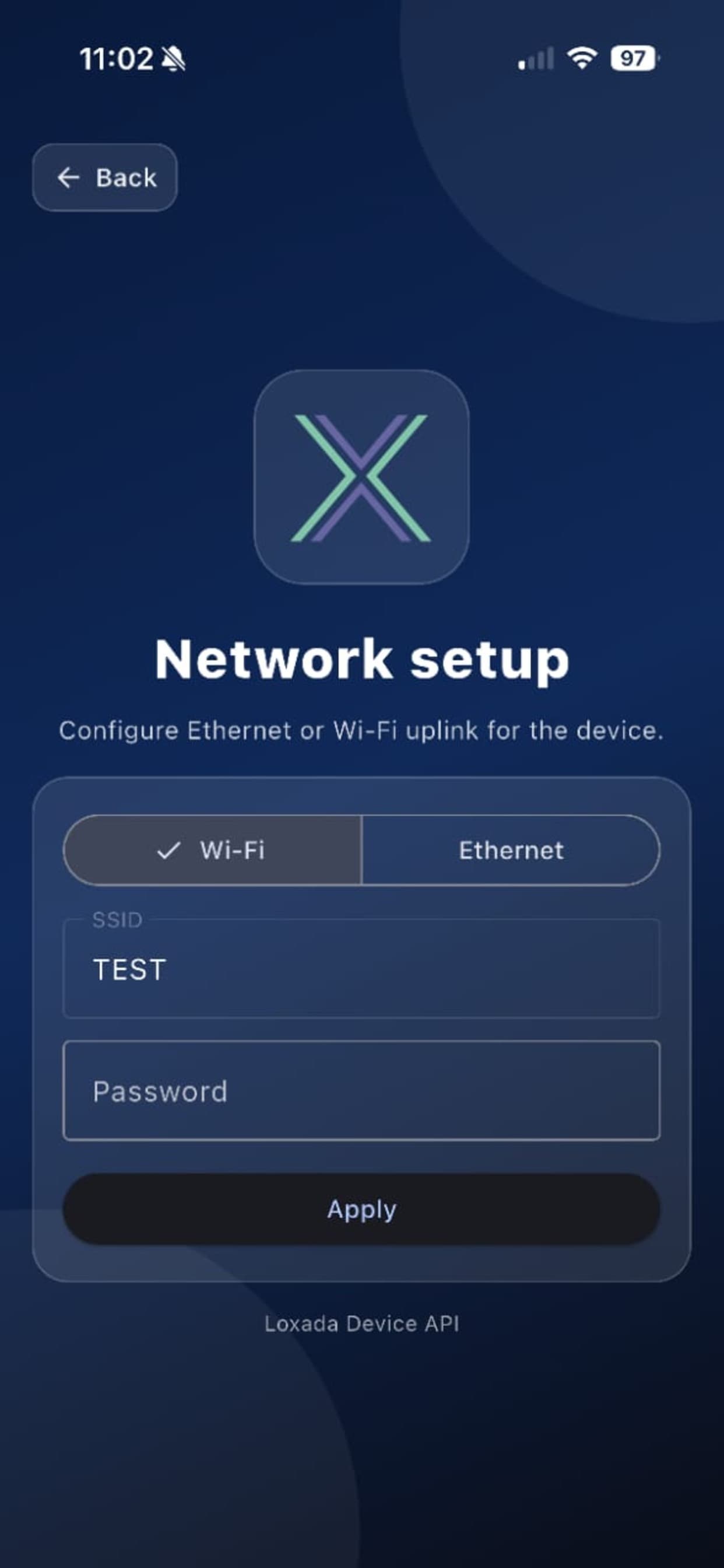
Network setup — Wi-Fi or Ethernet uplink for the device
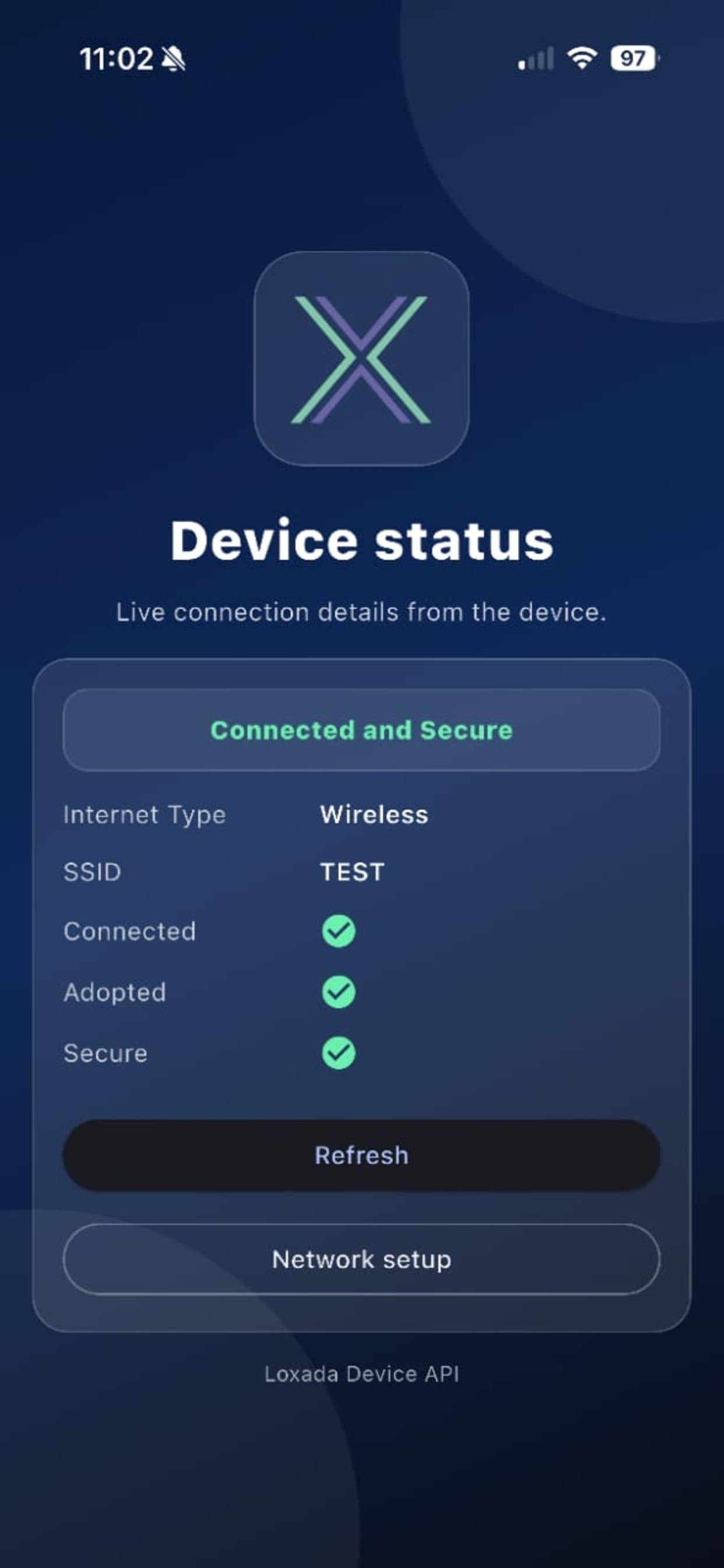
Device status — connected, adopted and secure at a glance

Fig. 01 — Wi-Fi networks · Network setup · Device status

Key features

What it does

  • 01

    Knows where you are the moment it opens

    One call to the router on launch, and the app routes you to the right place — not connected, no internet, needs claiming, or ready. No menus to guess your way through.

  • 02

    Claim your router by email

    Enter an email, get a code, and the router is registered to you. If that account already owns a router, you're offered a clear choice rather than a dead end.

  • 03

    Your network key, shown once

    After setup the router hands over the credentials for its secure network. The screen blocks back navigation so a stray swipe can't lose them, and guides you across to the new network.

  • 04

    Set up the uplink either way

    Scan for nearby networks and tap to select, type a hidden SSID manually, or switch the router to Ethernet — with open networks supported and no password required.

  • 05

    Live device status

    Connected, adopted and secure at a glance, with the connection type and network name, and a colour-coded banner that tells you immediately whether anything needs attention.

  • 06

    Tells you when security changes

    The app remembers the previous secure state between refreshes and raises an alert the moment it flips, so a router dropping out of a secured state doesn't pass unnoticed.

Platforms

One app, talking to the hardware

01 / iOS + Android

Mobile app

A Flutter app with no backend of its own — it speaks directly to the router's embedded firmware over the local network. The HTTP layer is hand-built for that job: per-endpoint timeouts because a radio scan legitimately takes longer than a status read, credential redaction so Wi-Fi keys never reach a log, and a distinct error for every failure mode, since “unreachable” and “slow” need different advice.

  • Flutter · Android + iOS
  • Talks straight to embedded firmware
  • Wi-Fi keys redacted from all logging
  • Per-endpoint timeout tuning
  • Glassmorphic design system, adaptive layout
Device status — connected, adopted and secure at a glance
Network setup — Wi-Fi or Ethernet uplink for the device
Wi-Fi networks — scan the air or configure manually

Next step

Find out where your business is losing time.

Book an audit. In 30 minutes, we'll look at how your business runs and tell you honestly where software or AI can save you time and money, and where it can't. No pitch, no obligation.

Book an audit
Next project Jules Comfort Stays